Send a push notification to a person, not a device
Your users have a phone, a laptop and a browser tab. Stop storing device tokens: link devices to your own user ID and send once to iOS, Android, web and macOS.

The Lerix team
6 min read
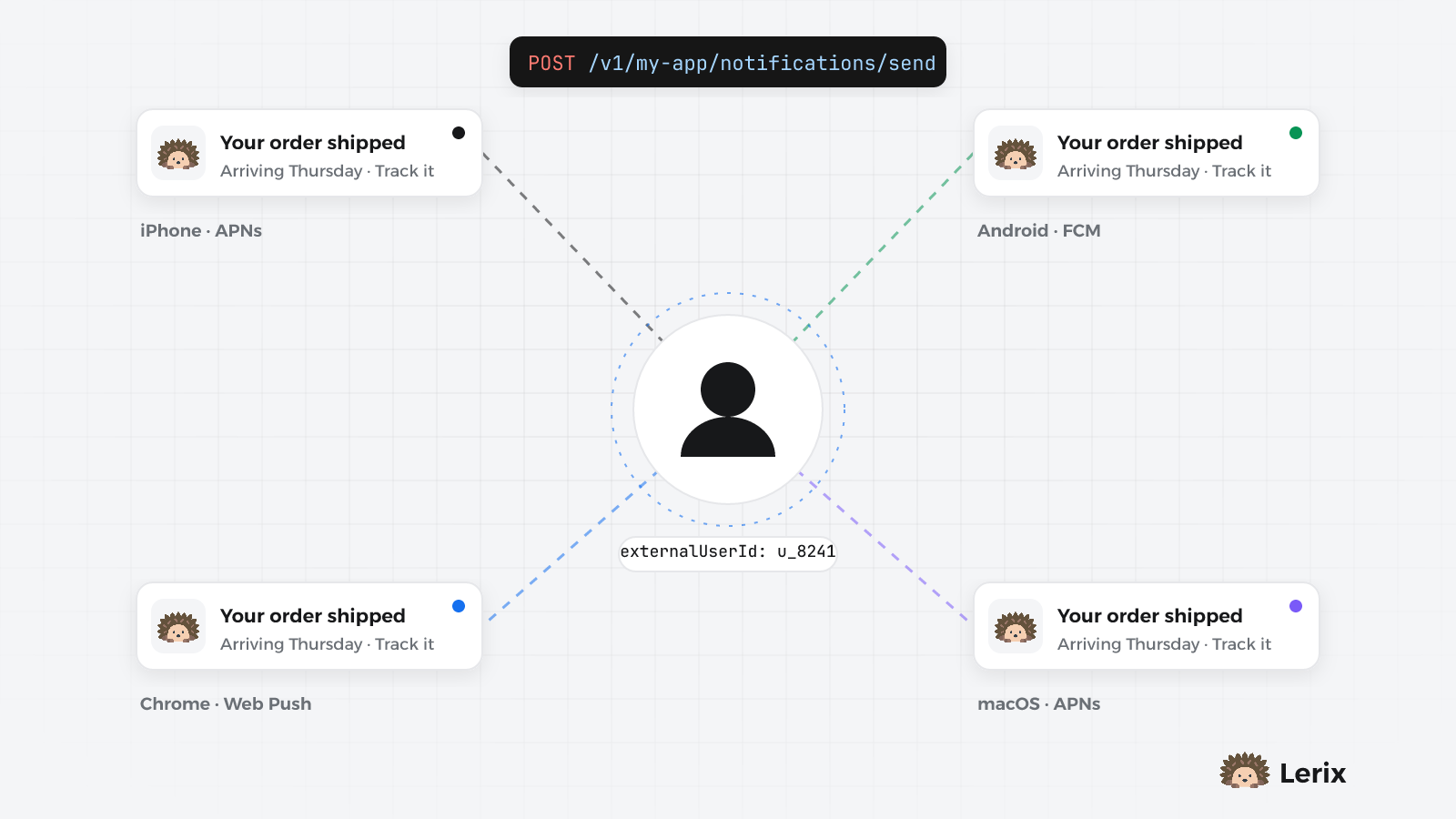
Your users have a phone, a laptop and a browser tab. Stop storing device tokens: link devices to your own user ID and send once to iOS, Android, web and macOS.
6 min read
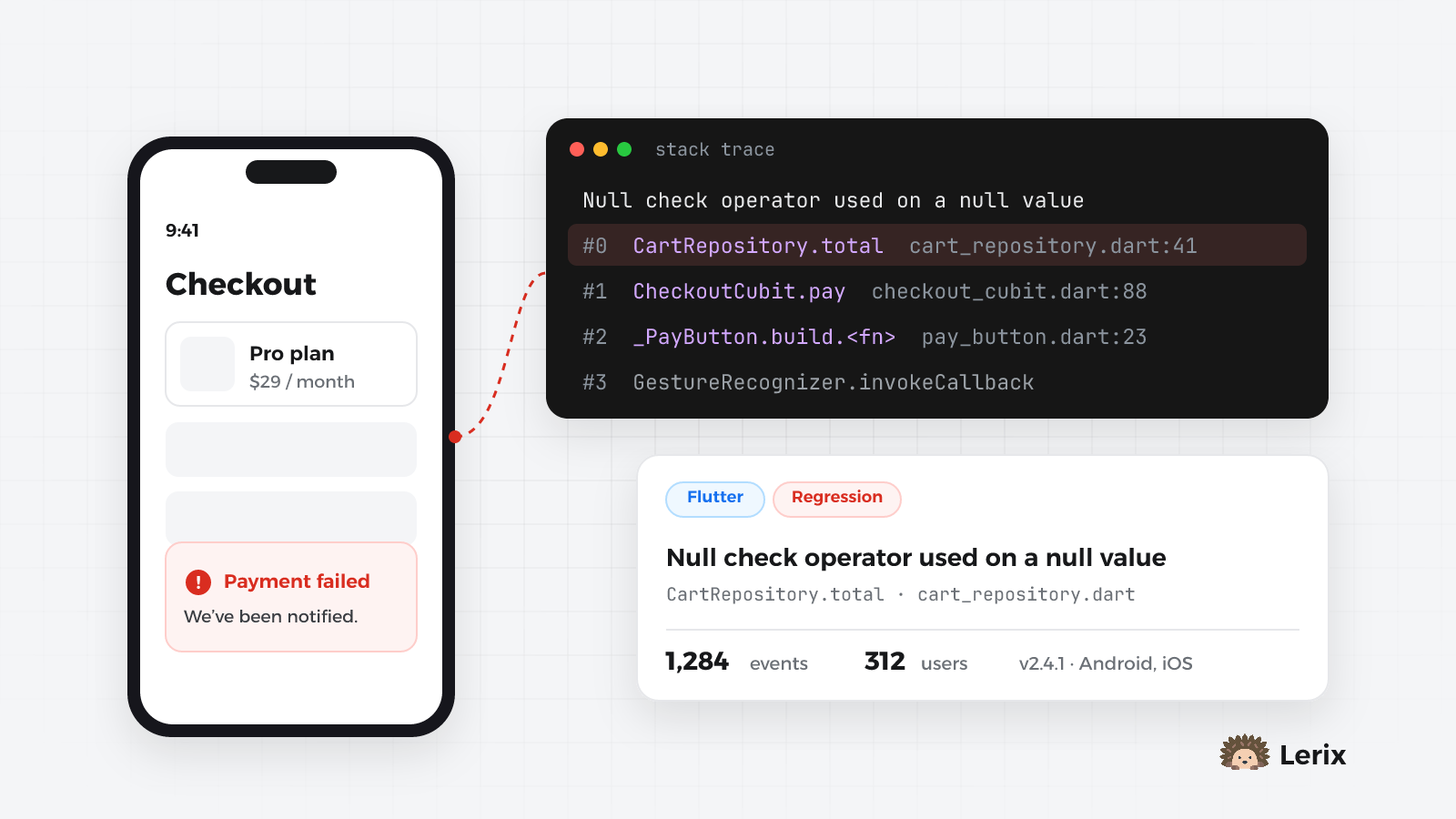
Most users never report a crash, they just leave. Set up crash reporting in a Flutter app in minutes: what gets caught, how to add context, and how to cut the noise.
6 min read
Your backend knows a user as u_8241. Their push notifications, though, go to devices: an iPhone, an Android tablet, a Chrome tab on a laptop, maybe the Mac app. The usual way to bridge that is a device_tokens table: save each token when the app registers it, keep it in sync on sign-out, delete it when a provider says it's dead, and loop over the list on every send.
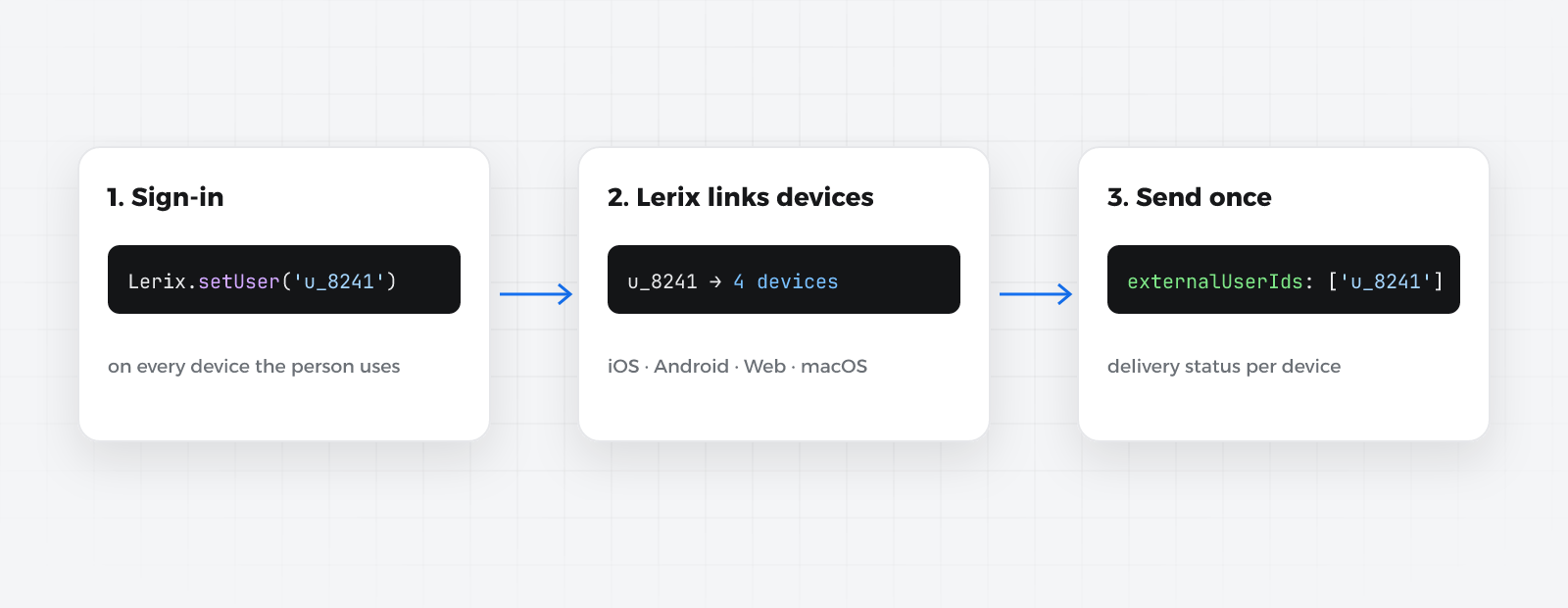
Lerix takes that table off your hands. Each app tells Lerix who is signed in, and your server sends to your own user id. Lerix finds every device that person uses, on every platform, and reports delivery per device.
Each platform needs its credentials in the dashboard (Notifications → Settings) and a few lines in the app:
| Platform | In the dashboard | In the app |
|---|---|---|
| iOS and macOS | upload your APNs .p8 key (one key covers both) |
Push Notifications capability, Background Modes → Remote notifications |
| Android | upload your Firebase service account JSON | nothing to add: no google-services.json, no Google Services plugin |
| Web | Web Push → Generate keys | copy the lerix-sw.js service worker to your site |
On Android the SDK fetches your project's sender id from Lerix at runtime, which is why the app doesn't carry a Firebase config file.
In Flutter, push lives in its own package next to the core one:
dependencies:
  lerix_flutter: ^0.7.0
  lerix_messaging: ^0.7.0
await Lerix.notifications.init();
await Lerix.notifications.requestPermissions();
On the web, with @lerix-dev/lerix-js:
import { Lerix } from '@lerix-dev/lerix-js';

Lerix.init({ apiKey: 'your-api-key', projectId: 'your-project-slug' });
await Lerix.notifications.init();
await Lerix.notifications.subscribe(); // asks for permission, registers the service worker
Safari supports Web Push from macOS 13 and iOS 16.4, for sites added to the Home Screen on iOS.
Call setUser with your own user id right after sign-in, on every platform, and clearUser on sign-out:
// Flutter
await Lerix.setUser(user.id);
// …
await Lerix.clearUser();
// Web
await Lerix.setUser(user.id);
// …
await Lerix.clearUser();
The native SDKs have the same pair: Lerix.setUser(_:) on iOS and Lerix.setUser(...) on Android.
A few things that make this safe to call anywhere:
clearUser() on sign-out. Otherwise a shared device keeps receiving the previous person's notifications.Use a stable id from your own system. Avoid emails and phone numbers: they change, and they're personal data you don't need to share.
Sending goes through the public API with a project private key that has the send push notifications permission (Project settings → API keys):
curl -X POST https://api.lerix.dev/v1/your-project-slug/notifications/send \
  -H "lerix-key: <your-private-key>" \
  -H "Content-Type: application/json" \
  -d '{
    "title": "Your order shipped",
    "body": "It arrives Thursday.",
    "externalUserIds": ["u_8241", "u_77"],
    "metadata": { "orderId": "A-1042" }
  }'
The answer tells you how far it got:
{
  "success": true,
  "notificationId": "b6b1a2b0-…",
  "matchedUsers": 1,
  "matchedDevices": 3,
  "unknownUserIds": ["u_77"]
}
unknownUserIds lists ids that have no device yet, a person who signed up on the web and never allowed notifications for example. That isn't an error.
From a NestJS backend, the server SDK does the same in one call:
const { matchedDevices, unknownUserIds } = await this.lerix.notifications.send({
  title: 'New message',
  body: 'You have a reply',
  externalUserIds: [user.id],
});
The Python (lerix) and .NET (Lerix) server SDKs have the same option (external_user_ids, ExternalUserIds).
Rules worth knowing:
externalUserIds, deviceTokens, or a topic. Mixing them is rejected.imageUrl adds a picture: automatic on Android and the web; on iOS it needs a Notification Service Extension.metadata arrives in the app with the notification, for deep links and the like.sentAt schedules the send. Devices are looked up again at send time, so someone who signs in on a new phone after you schedule still gets it.You can do the same from the dashboard: Send notification → Users, paste the ids, and it shows how many devices will receive it before you send.
setUser runs in the app, so without a check, a modified client could call setUser('u_8241') and start receiving that person's notifications. Identity verification closes that gap: your server signs the user id, and Lerix only accepts ids with a valid signature.
LERIX_IDENTITY_SECRET. It's shown once.import { createHmac } from 'node:crypto';
const lerixHash = createHmac('sha256', process.env.LERIX_IDENTITY_SECRET!)
.update(user.id, 'utf8')
.digest('hex');
The NestJS SDK has this as identityHash(secret, user.id), and the Python one as identity_hash.
await Lerix.setUser(user.id, identityHash: session.lerixHash);
await Lerix.setUser(user.id, { identityHash: session.lerixHash });
setUser without a valid hash is refused.Never put the secret in an app. Rotate secret replaces it, and hashes made with the old one stop working.
Every send records one delivery per device with its platform (ios, android, web, macos, windows), its status and the reason when it failed:
curl https://api.lerix.dev/v1/your-project-slug/notifications/<notificationId>/deliveries \
  -H "lerix-key: <your-private-key>"
When one platform isn't configured yet (no Apple key uploaded, say), its devices are recorded as PLATFORM_NOT_CONFIGURED and the other devices in the same send are delivered normally. Tokens a provider reports as invalid are removed for you.
Sent something by mistake? Unsend removes it from iOS, Android and macOS devices (with an SDK version that supports it) and keeps it in your history as unsent. Web and Windows notifications can't be pulled back once shown.
lerix_messaging in Flutter, the service worker on the web).setUser(yourUserId) after sign-in, clearUser() on sign-out, on every platform.externalUserIds and a private key.Then sign in with the same account on two devices and send yourself one notification. Seeing it arrive on both is the whole point.
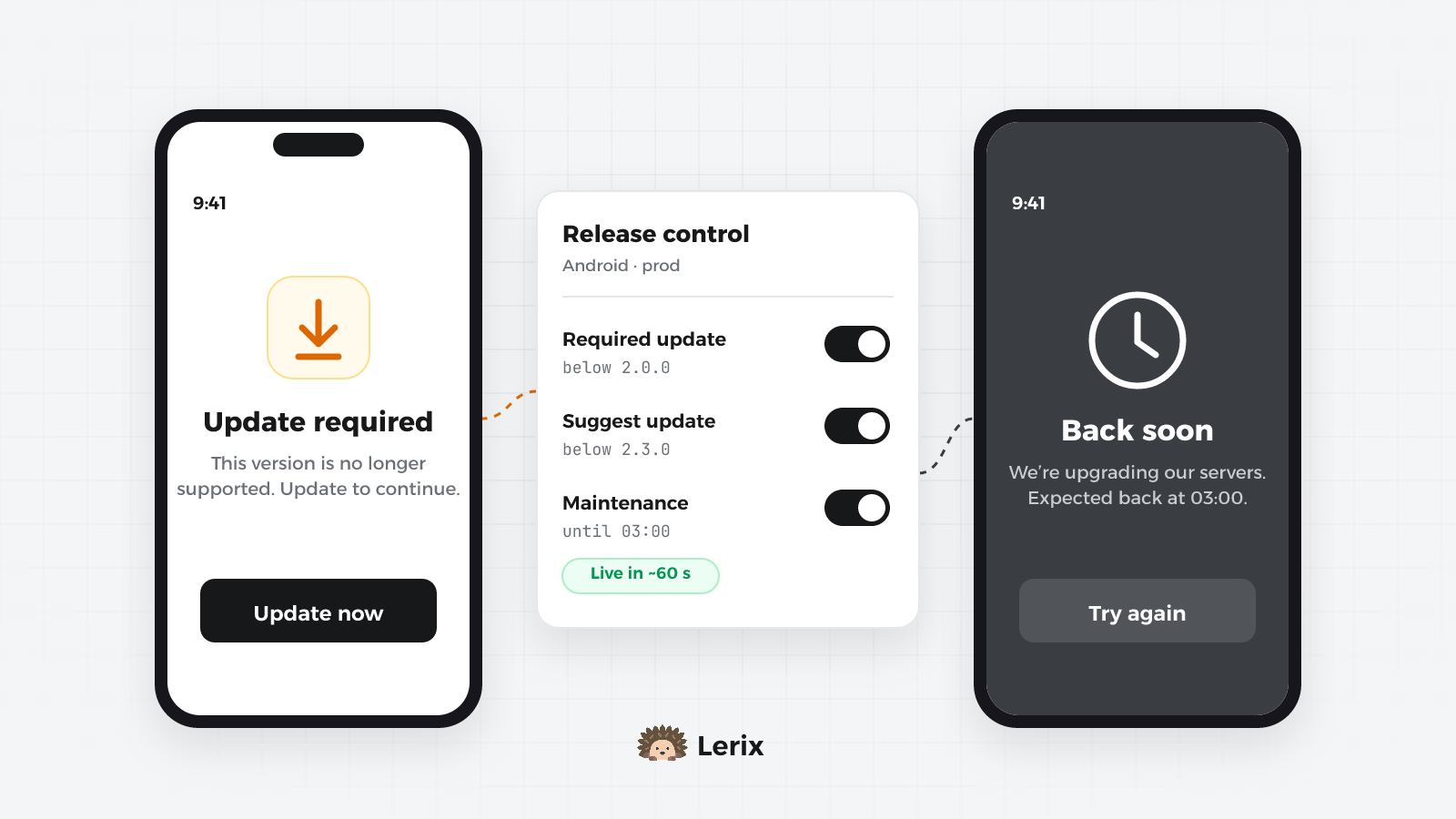
An old version breaks against your new API, or the backend needs an hour offline. Set update rules and maintenance windows from the dashboard and every app follows within minutes.
7 min read
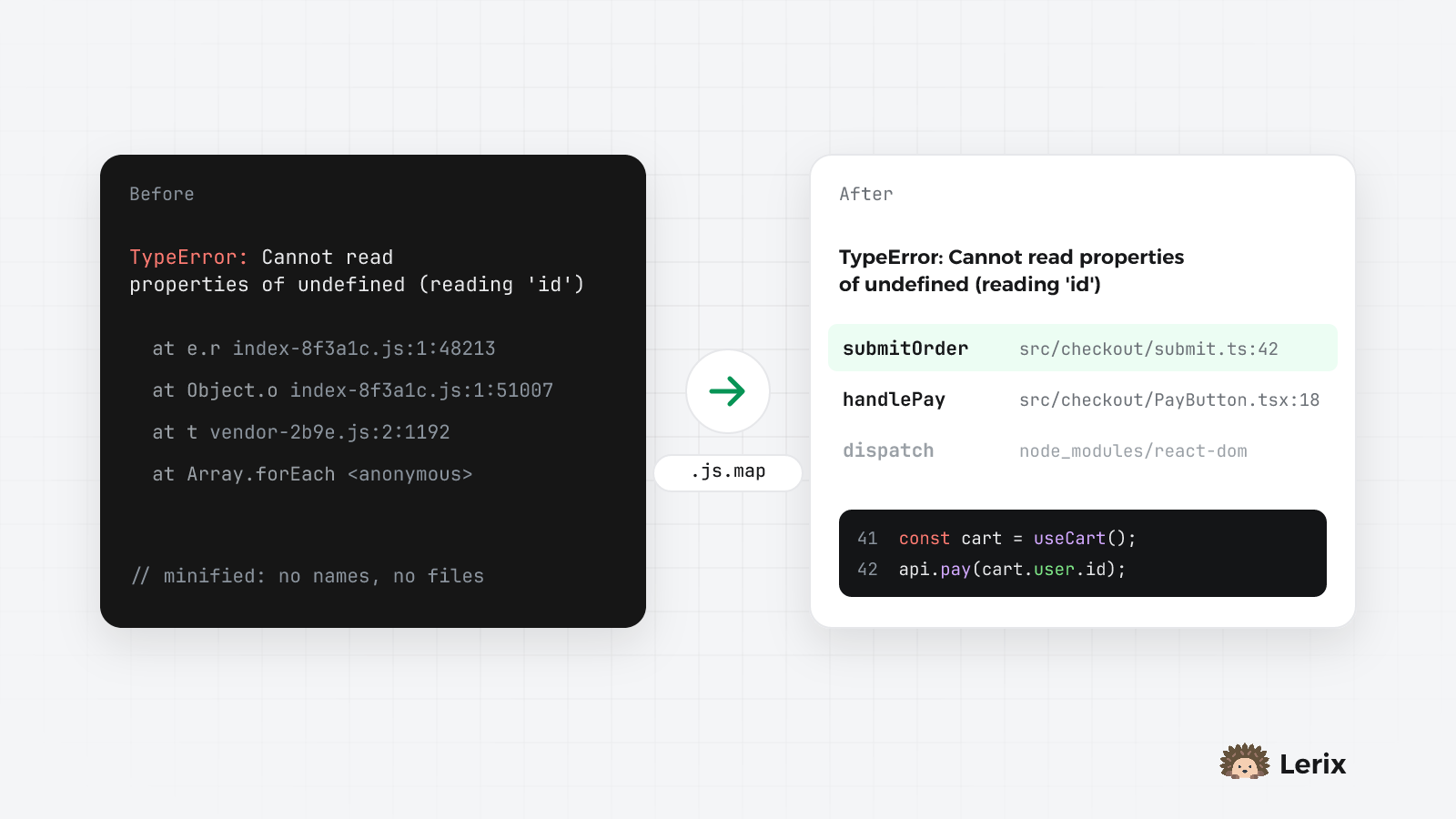
index-8f3a1c.js:1:48213 tells you nothing. Upload source maps from your build so every error points at your own file, line and function, and see how errors become issues.
6 min read